
App Export
Export packages everything about your app (tool definitions, mock data, configurations, and an AI-generated report narrative) into a format that engineering and stakeholders can act on immediately.What Gets Exported
Every export includes the following:Export as a ZIP File
1
Open your app's Export page
Navigate to your app in Chippy and click Export in the left sidebar.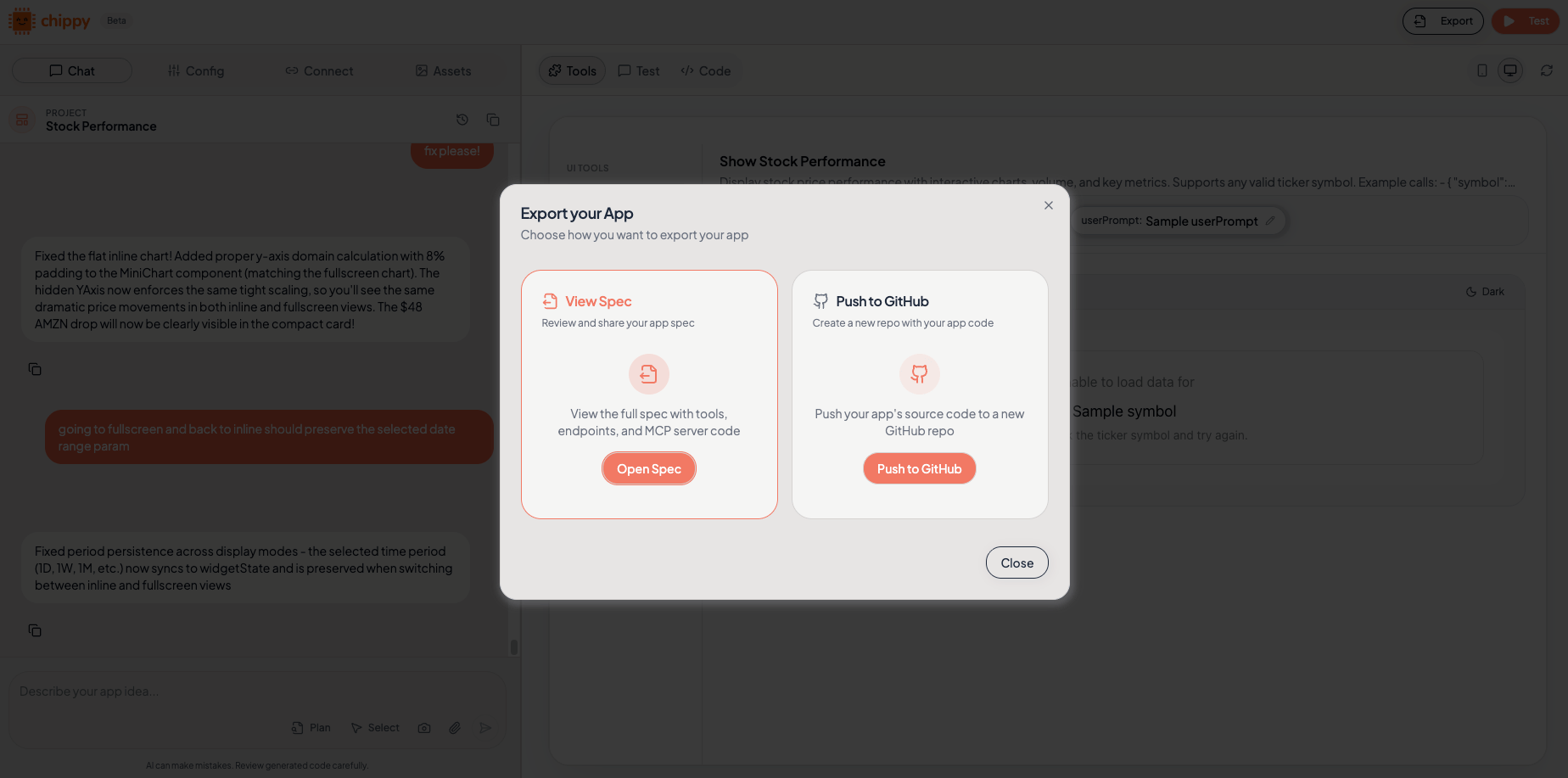
2
Review the generated report summary
Chippy generates a narrative summary of your app’s tools, data flows, and configuration. Read through it to confirm accuracy before exporting.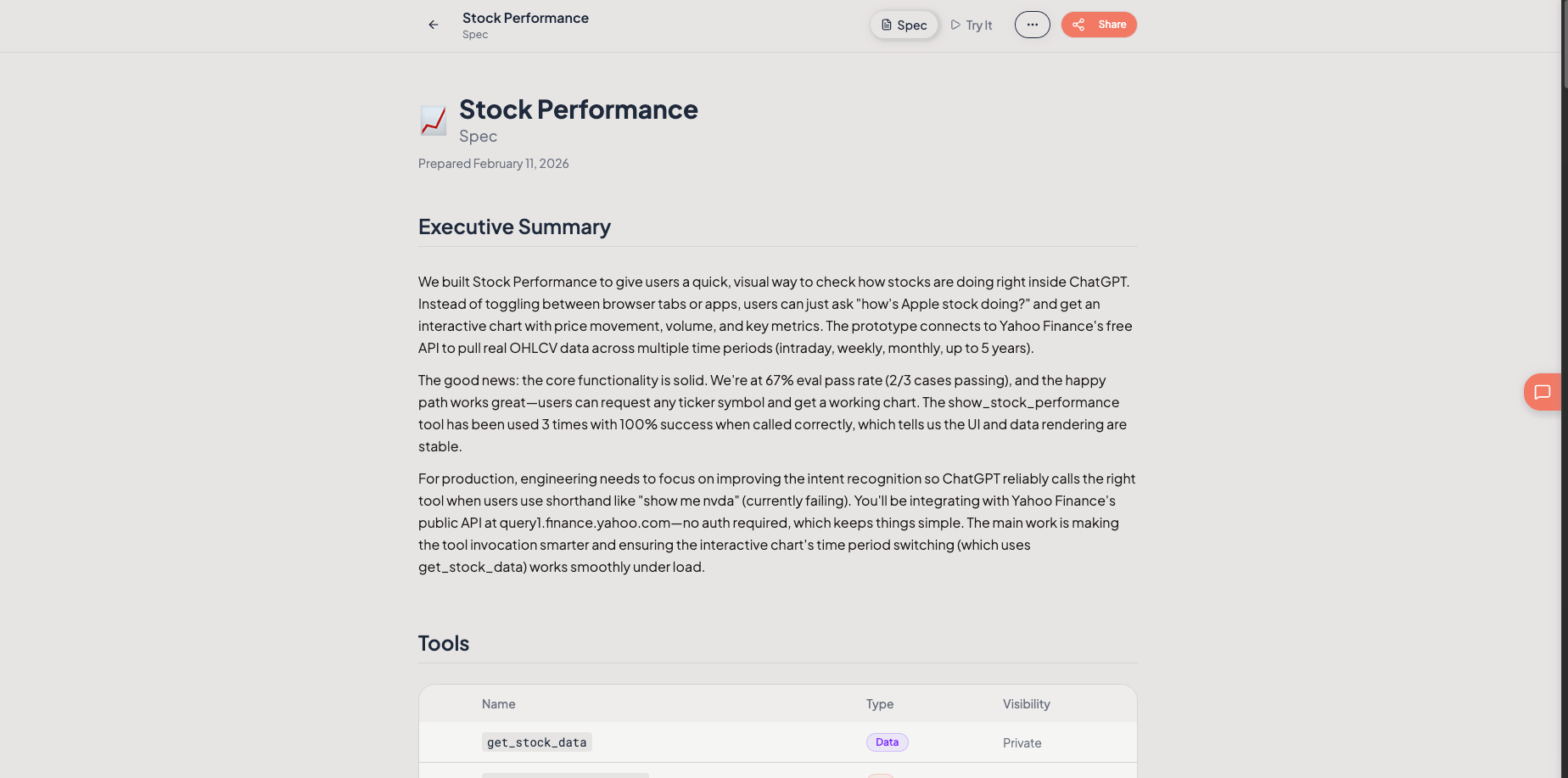
3
Download the ZIP bundle
Click Download ZIP. The bundle contains your tool definitions, mock data, configurations, and the report narrative as structured files.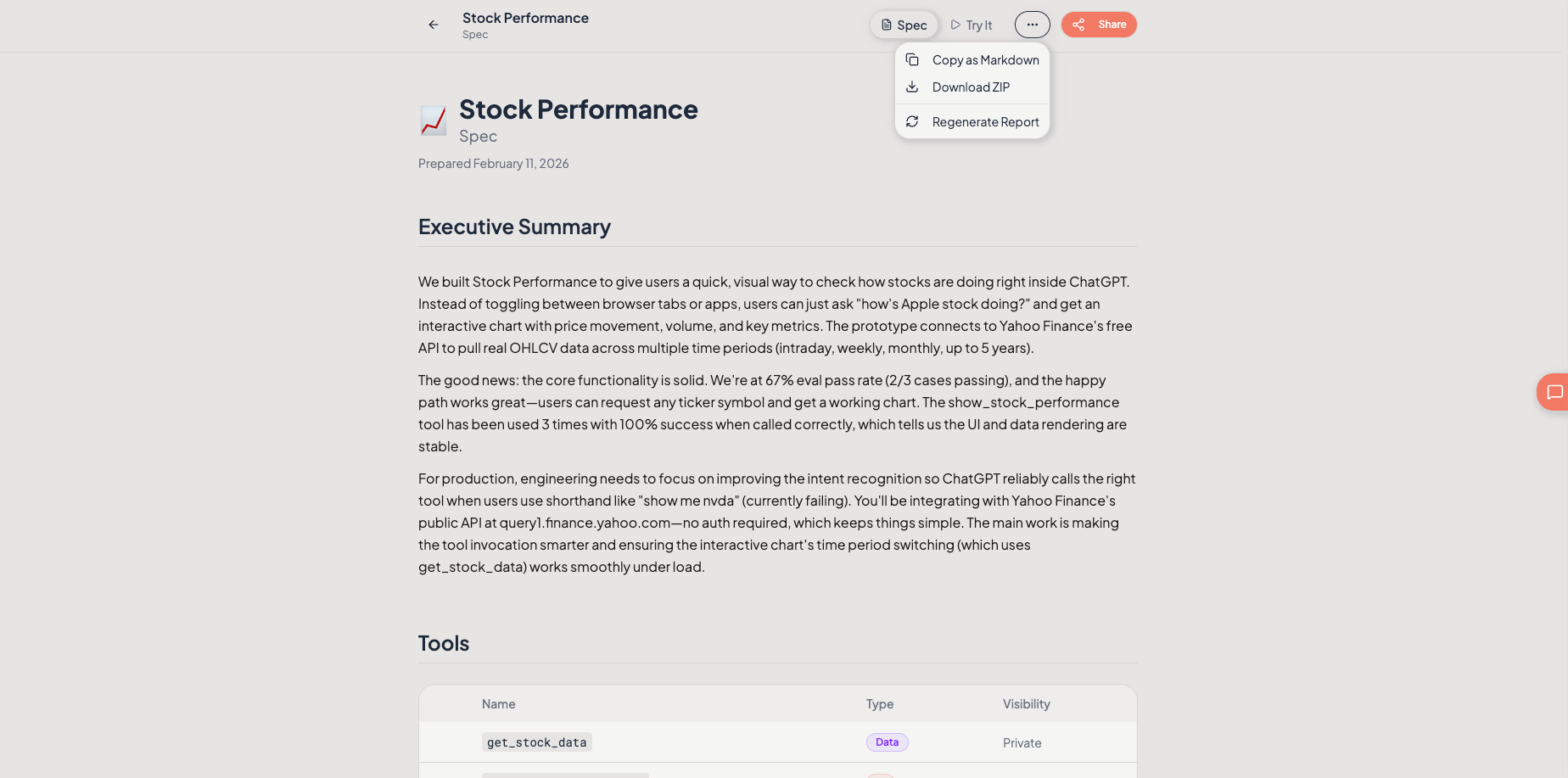
Export to GitHub
GitHub export requires Team or higher.
1
Connect your GitHub account
Go to Settings > Integrations > GitHub and authorize Chippy to access your GitHub organization.
2
Select or create a target repository
On the Export page, click Export to GitHub. Choose an existing repository from the dropdown, or click Create New Repository to set one up directly.
3
Push your app's export
Click Push. Chippy commits all export artifacts to a new branch in the selected repository.
4
Create a pull request for review
After the push completes, click Create Pull Request. This opens a PR in your repository so your engineering team can review the exported artifacts inline.
Share via Link
Generate a public share link to give stakeholders read-only access to your export report without needing a Chippy account.- On the Export page, click Share Link.
- Copy the generated URL.
- Send it to anyone who needs to review the app spec.
Share links are public. Do not include sensitive credentials in your app configuration if you plan to share via link.